How to Use a Recipe Nutrition Calculator the Right Way
Learn how to turn any ingredient list into defensible per-serving calories and macros, plus the inputs that move the answer most.
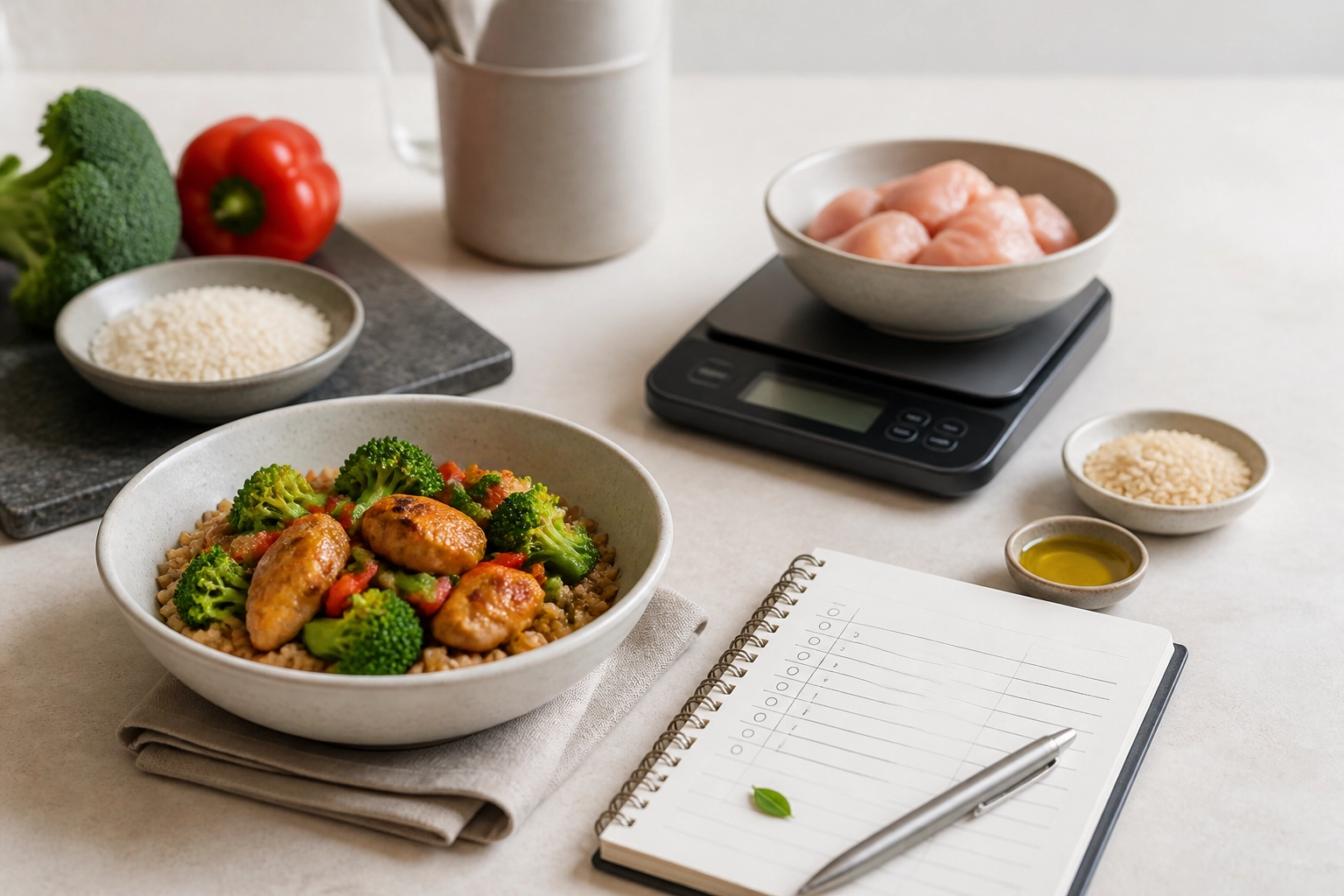
Ever finished cooking a meal, plugged every ingredient into a recipe nutrition calculator, and gotten a number that felt off? Most tools start with raw ingredients, but nobody eats raw ingredient lists. They eat a serving of the finished dish. That makes recipe nutrition a yield problem, and a wrong yield can shift your per-serving calories and macros more than you'd expect.
In this guide, we'll take the mystery out of it. We'll cover why totals don't matter and per-serving numbers do, plus what to have ready before you start. Then we'll walk through getting every ingredient into grams, matching each one to the right database entry, totaling everything before you divide, and handling oils, butter, and added fats. We'll look at what cooking does to weight, how to weigh the finished dish, and how to divide by servings. You'll see a worked example, tips for vague amounts from imported recipes, the inputs that move your answer most, and simple sanity checks. By the end, you'll know how to turn any ingredient list into a defensible per-serving figure. Platika can help you understand your food in seconds, so you can spend less time tracking and more time living.
Why Totals Do Not Matter and Per-Serving Numbers Do
A recipe's total calories describe the whole pot, and nobody eats the whole pot. The number you log, compare, and plan around is per serving.
That number has to be calculated, not looked up. Most nutrient databases describe raw ingredients, and chemically testing a home-cooked dish is slow and expensive. Per-serving nutrition is a yield problem: divide total nutrients by servings, and real servings depend on cooked weight, not the raw weight you started with.
Picture two people cooking the same recipe. They can land noticeably apart on calories per plate from added fat and portion size alone, even with identical ingredients. Getting this roughly right beats nailing every micronutrient, because added fat and serving size are the levers that change what you actually eat.
Here is how to get there.
What to Have Ready Before You Start
Per-serving accuracy starts before the stove turns on.
A gram scale. Measuring cups are one of the biggest hidden sources of error in recipe nutrition, especially for chopped vegetables, nut butters, and oil, where a "cup" can vary a lot. The FDA publishes guidance on converting household measures to metric equivalents, and a gram scale sidesteps that guesswork entirely.
The complete ingredient list. Every quantity, including the oil you added to the pan, the butter you finished with, and anything you tasted while cooking.
A nutrient database. USDA FoodData Central, so you look values up instead of guessing.
A serving decision. Pick how many servings the dish makes before you cook, then weigh the finished dish later.
A calculator or spreadsheet. Platika's Recipe Nutrition Calculator takes an ingredient list and returns calories, protein, carbs, and fat per serving. Keep ingredient totals visible so you can see where that per-serving number came from.
With those in place, the next step is getting every ingredient into grams.
Step 1: Get Every Ingredient Into Grams
With your scale and list ready, the first real job is turning every amount into grams, or milliliters for liquids, before you add anything up. Volume is slippery: a cup of chopped onion can swing widely depending on how finely it is cut.
Note the form too, raw, drained, cooked, skinless, or with skin, because the database entry you pick next has to match that note. Treat shorthand like "one medium onion" or "a clove of garlic" as an estimate. Weigh it if you can, or flag it as an assumption.
If a recipe says 2 to 3 tablespoons of oil, record what you actually poured and note which end of the range you used. Keep each line clean: quantity, unit, ingredient. That tidy list is what you paste into a nutrition calculator from a recipe later.
Step 2: Match Each Ingredient to the Right Database Entry
With your grams and forms locked in, the next job is picking entries that match. Raw and cooked versions of the same food can differ noticeably in calories per 100 grams because water content changes, so match the entry to your ingredient's state.
USDA FoodData Central data documentation holds several data types on different schedules. Foundation Foods and Branded Foods update on different schedules (as noted above); SR Legacy is frozen at 2018, so prefer Foundation Foods for current whole-ingredient values. Use Foundation Foods or SR Legacy for plain ingredients, and Branded Foods for a named packaged product. SR Legacy won't include recent products, and older branded entries may not reflect current formulations.
USDA has flagged changes to search and energy display, so check the live site rather than a screenshot. Skip mixed-dish and restaurant entries when you can; building from ingredients gives totals you can adjust.
Step 3: Total Everything Before You Divide
Once every ingredient has a matching database entry, add the numbers up before you divide anything. Hold the division until the end: rounding after each line compounds a small error across a long list.
This is a habit the USDA Recipe Analysis Workbook takes seriously, carrying calculations through several decimal places and only rounding at the finish.
Keep protein, carbohydrate, and fat totals separate. Each one gets divided by the same serving count, but mixing them together early just makes mistakes harder to spot.
Save those totals somewhere. They are your reference point if a per-serving figure later looks wrong, and they let you compare your dish against a similar commercial product. Any recipe calculator nutrition facts output is only as good as these totals. When two calculators disagree, the ingredient totals are usually where the difference starts. Next up: the fats.
Step 4: Decide How to Handle Oils, Butter, and Added Fats
With totals saved, added fats are the fastest way to throw them off. Fat is energy dense: look up olive oil in FoodData Central to see how quickly 30 grams of oil adds up in the pot, and how much stays in the pan varies by cook.
The USDA Recipe Analysis Workbook tells users to leave oils, spices, and herbs off the list because it only credits meal-pattern components. That works for school meals, but it undercounts calories in a recipe calculator. Add them back in.
Count every drop that goes in, then decide how much gets eaten. For a quick sauté or shallow fry, start at half and adjust based on what's left in the pan. Butter, cream, cheese, mayonnaise, and nut butters are the other heavy hitters, so measure, not eyeball. Dressings, drizzles, and oil brushed on trays or grills count too, even as garnish.
Write down your rule, and apply it every time so batches stay comparable.
Step 5: Account for What Cooking Does to Weight
Next, water. Cooking drives off moisture and, unlike water loss, fat drip-off does remove energy from the dish, so raw and cooked weights are not interchangeable.
Weight yield tables exist for this. Bognár's 2002 German nutrient tables include 32 weight-yield tables by cooking method, covering stews, soups, and sauces, plus 39 average retention tables. The USDA Table of Cooking Yields for Meat and Poultry (2012) covers similar ground for roasts, ground meat, and braises.
Treat these as a reference range, not a promise. They date from 2002 and assume standard methods, so estimate with them rather than claiming precision.
Methods differ: boiling and simmering concentrate a stew, roasting shrinks a traybake, a quick saute barely changes weight. Salt, acid, and long cooking shift how much liquid you pour off. When your scale disagrees with a table, trust your scale.
Step 6: Weigh the Finished Dish and Divide by Servings
Once the dish has rested, weigh the whole pot. If you did not tare the empty pot first, do that now and subtract it, or scoop into a bowl you already zeroed on the scale. Then divide the cooked weight by what you put on a plate. A stew weighing 1,600 grams, served in 400 gram bowls, makes 4 servings, so the ingredient totals divide by 4. If you eat straight from the pot, weigh your portion and divide by the total cooked weight instead of guessing. This one habit fixes the most common logging error. Record both the total cooked weight and your serving weight so next time you can skip straight to the plate. This final step in any nutrition calculator from a recipe is the one most people skip, which is exactly why per-serving numbers drift.
A Worked Example, From Ingredient List to Per Serving
Here's the whole method on a traybake: 600 grams raw chicken thighs, 500 grams potatoes, 200 grams carrots, 30 grams olive oil, seasoning.
Look each up in raw form. Depending on whether your chicken entry includes skin, totals land near 1,600 to 1,800 calories and about 100 grams protein. Those are illustrations; check your own database entries.
Roasting drives off water. A raw tray of 1,330 grams usually finishes between 1,050 and 1,130 grams, a 15 to 21 percent loss, treat this as a rough reference range; your actual yield will vary.
Cut it into 4 portions of 265 to 280 grams. That's about 400 to 450 calories and 25 grams protein per serving, roughly illustrative; verify against your actual FDC lookup.
Does that pass the smell test? A chicken thigh, potatoes, carrots, and a spoonful of oil should land there. If not, check the oil and chicken entry first.
Change one input at a time. Halve the oil to 15 grams and each serving drops by a meaningful amount, verify against the FoodData Central olive oil entry to see the exact difference.
What to Do With Vague Amounts From Imported Recipes
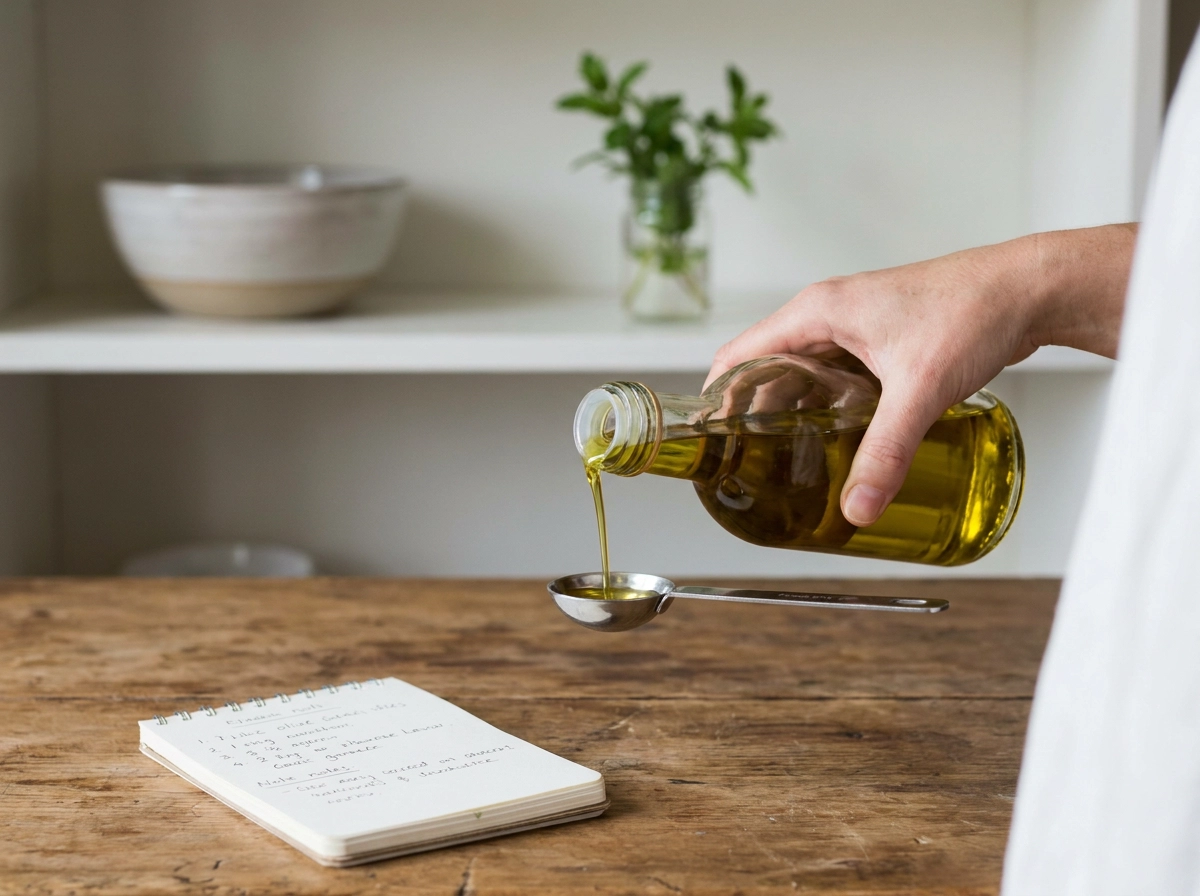
Imported recipes rarely hand you numbers like that. Vague amounts cause per-serving error and are everywhere on TikTok and Instagram. Splash, handful, some cheese, season to taste: guesses you make on purpose. Turn each vague term into an explicit estimate, note the number you chose and treat it as an assumption you can revise.
A missing serving count is worse than a missing gram value: a total is not the number you log. If a caption says it serves 4 but the video shows one enormous bowl, trust your cooked weight instead.
Platika's Recipe Screenshot Import uses AI to pull ingredients, quantities, and units from a screenshot for a starting list in seconds. Review every line anyway; a vague amount still needs your decision.
Comparing free recipe nutrition calculators? Ask which database it uses and whether it returns per-serving values or only totals.
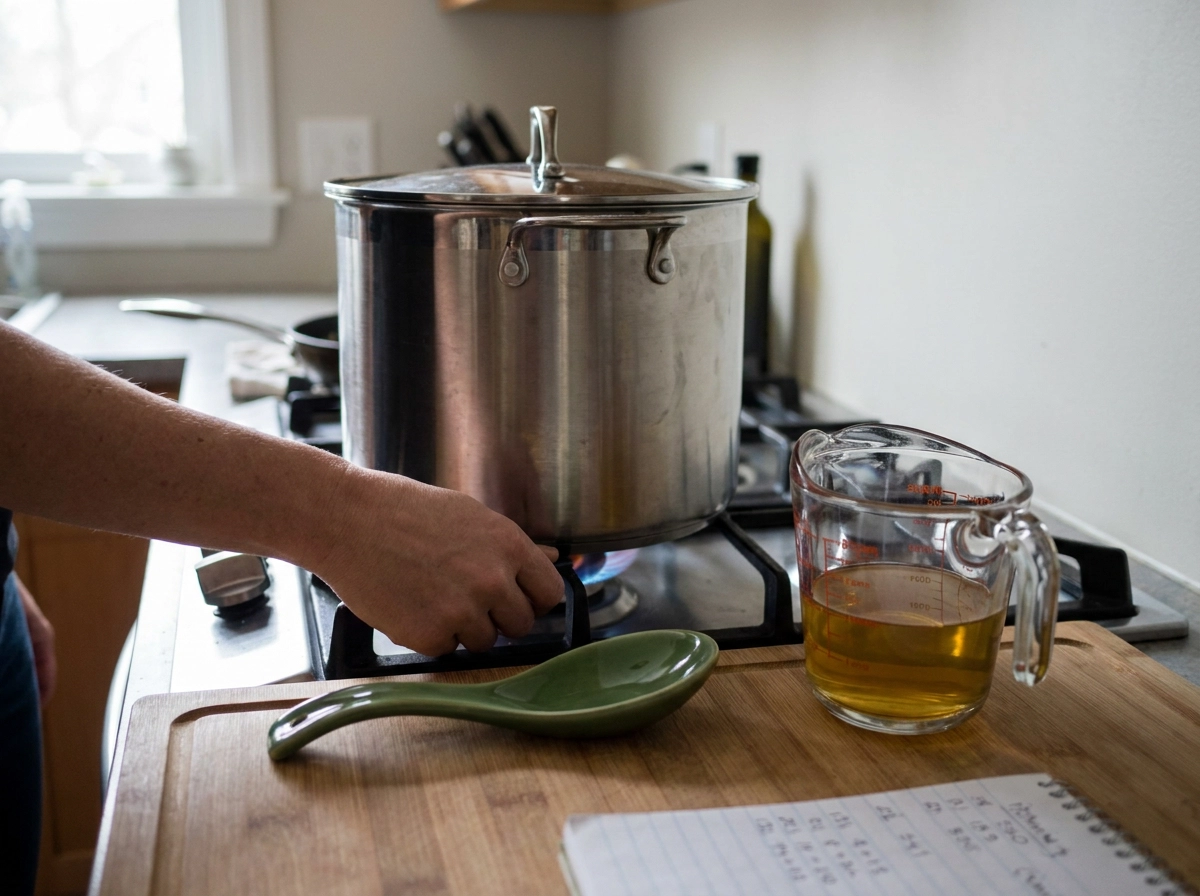
The Inputs That Move Your Answer Most
The inputs that move your per-serving result most:
Added fat sits at the top. The gap between 15 grams and 30 grams of oil is substantial, check your oil entry in FoodData Central to see the exact difference before it is divided across servings.
Serving count is the next lever. Moving from 4 servings to 6 cuts every plate by a third, and that number usually comes from how you portion, not what the recipe says. Cooked weight concentrates calories per gram as water leaves the dish. Vague imported quantities follow from there, as covered above. Ingredient form is the quiet one. Skin on versus skinless, full fat versus light, sweetened versus plain can move the number without changing anything in the kitchen.
Fix the big three first: oil, servings, and cooked weight. Fine-tuning spice measurements while those are wrong is wasted effort.
Sanity-Checking Your Result Before You Trust It
The math is done, but that doesn't make it a measurement. Every recipe nutrition calculator returns an estimate, and a defensible estimate beats false precision.
Compare your per-serving figure to something familiar: a supermarket ready meal, a restaurant menu item, or a meal you logged last week with similar ingredients. Then check the per-100-gram number. Most savory cooked dishes land in a familiar range, so if yours is wildly outside it, the ingredient list, the database choice, or the division went wrong.
Recheck the three usual suspects: oil counted twice or not at all, servings based on raw weight, and a cooked-food entry used for a raw amount.
Write down your assumptions: database, serving count, cooked weight. USDA has flagged changes to how FoodData Central displays energy, so a value you copied a while ago may look different on the live site.
Then log it and move on. Tracking should inform you, not turn dinner into a lab report.
Conclusion: Build the Habit, Not the Spreadsheet
Once your result passes the sniff test, the goal is a habit you can repeat without a spreadsheet.
Run those six steps once, keep your working, and the habit becomes faster than any shortcut.
Treat every output as an estimate. Compare it to a similar food, adjust your assumptions, and keep going instead of abandoning the process.
Platika's Recipe Nutrition Calculator handles the math, and Recipe Screenshot Import turns TikTok or Instagram recipes into a usable list. That saves you time for cooking, not counting.